What cloud is that?
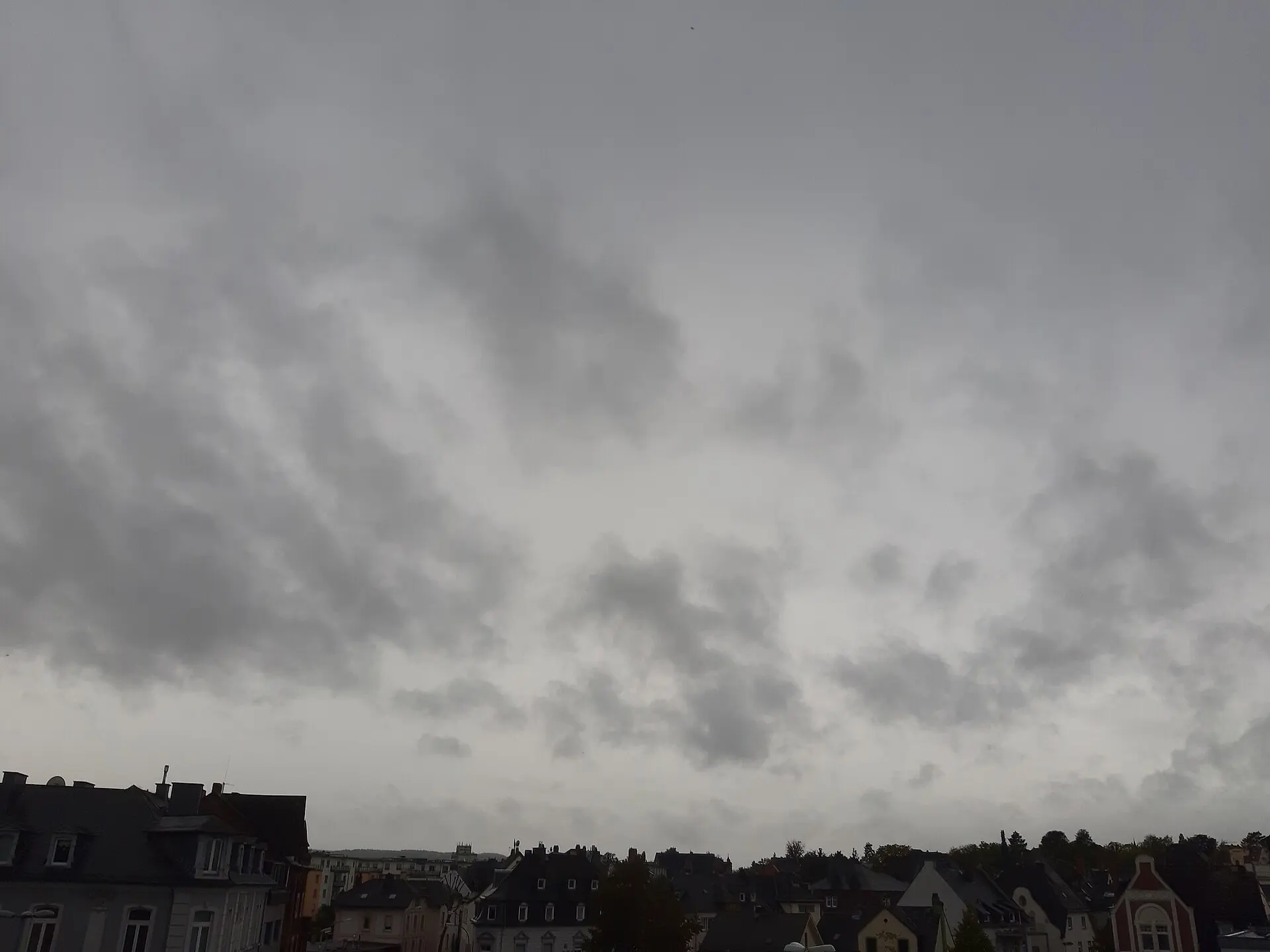
Take a photo of the sky and AI identifies the cloud type using WMO standard classification — with the top 3 candidates, confidence scores, and the reasoning behind every call.
For iPhone · iOS 17 or later · No account needed
How it works
- 1
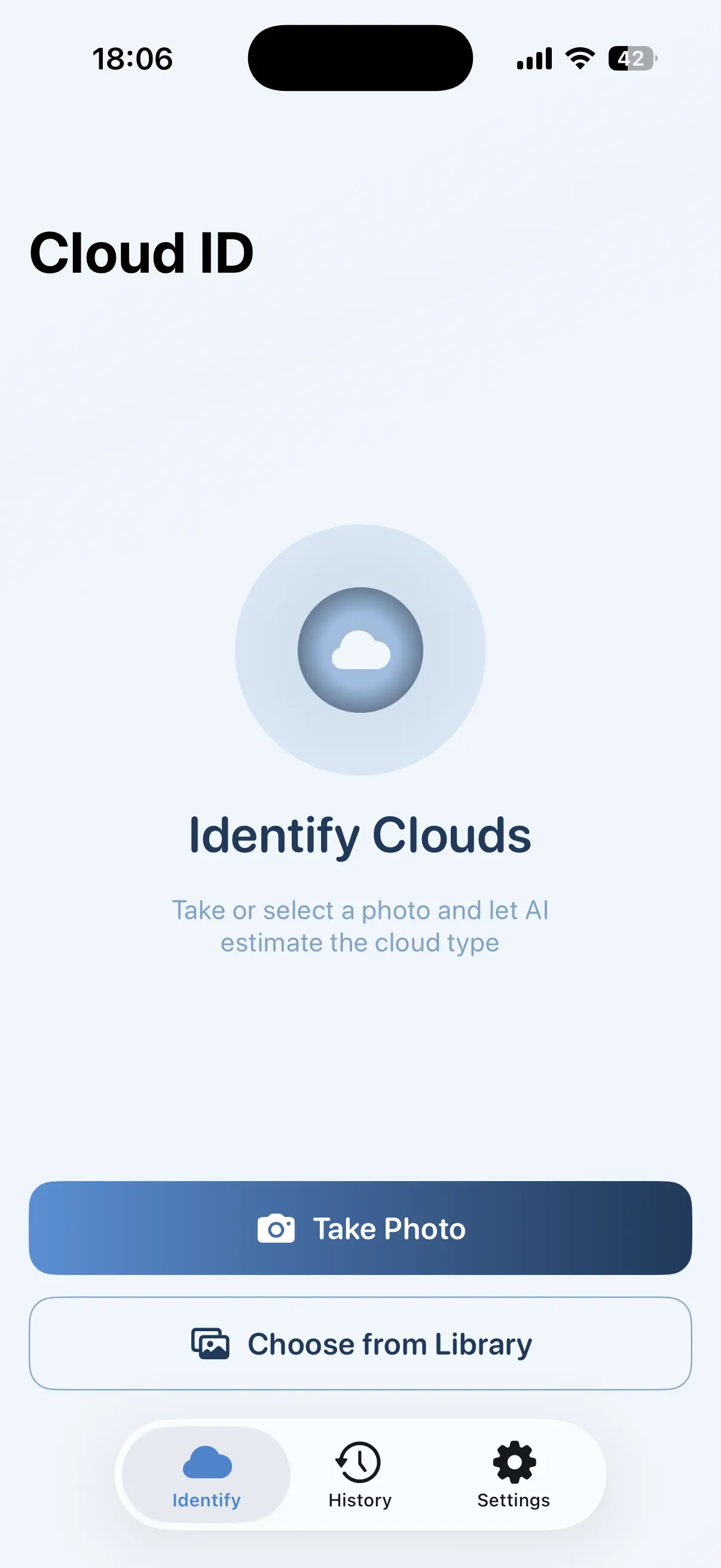
Snap the sky
Take a photo with the camera or pick one from your library. A wide shot that includes the horizon works best.
- 2
AI analyses it
The shape, altitude, colour, texture and pattern are read against WMO standard cloud classification.
- 3
Read the result
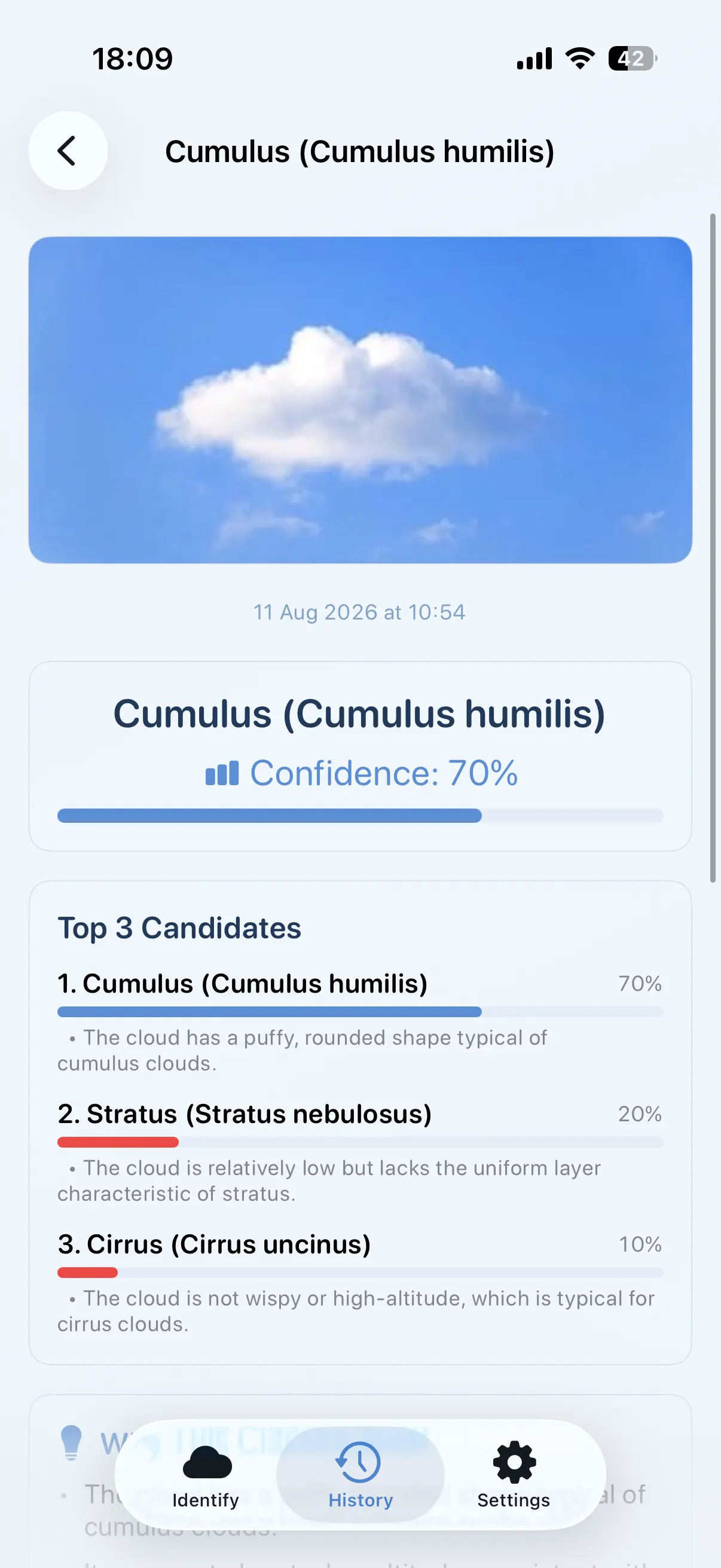
You get the cloud name with its Latin genus and species, three ranked candidates, and the evidence behind each one.
What you get with every scan
A cloud identifier that gives you more than a name — the full reasoning, so you learn to recognise the cloud yourself next time.
Top 3 Candidates
Clouds are rarely textbook-perfect. You see three ranked possibilities with a confidence score for each, instead of one over-confident guess.
Why This Classification
Every identification is backed by specific observations from your photo — the flat base, the fibrous edges, the altitude band.
Weather Insights
Learn what the cloud typically signals. Fair weather ahead, rain within hours, or a thunderstorm building.
Photo Tips
Practical advice on framing, time of day and lighting so your next shot gives a sharper identification.
Fun Facts
A piece of trivia with every cloud. A typical cumulus weighs around 500,000 kg — about a hundred elephants.
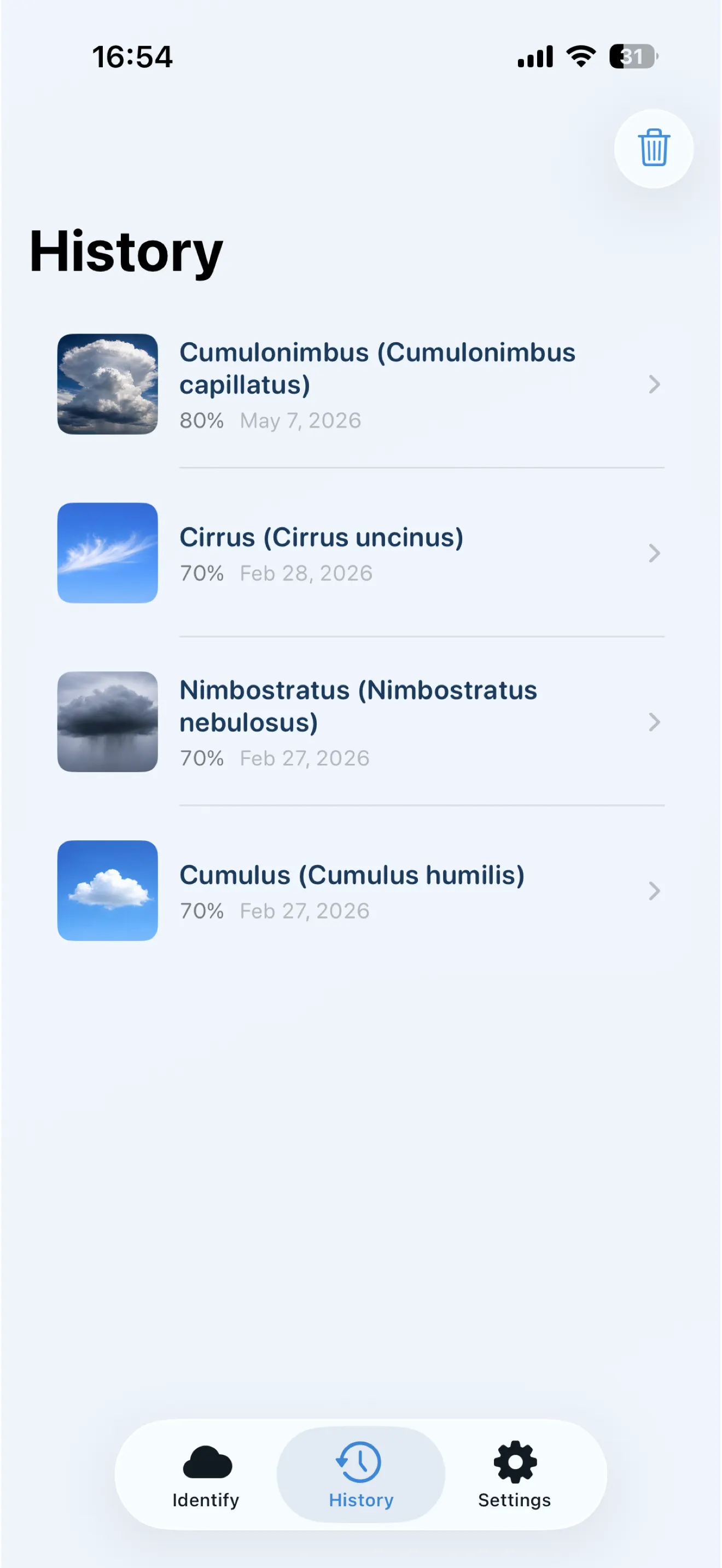
Scan History
Every identification is saved automatically with a thumbnail, building your personal cloud library over time.
The 10 cloud types, explained
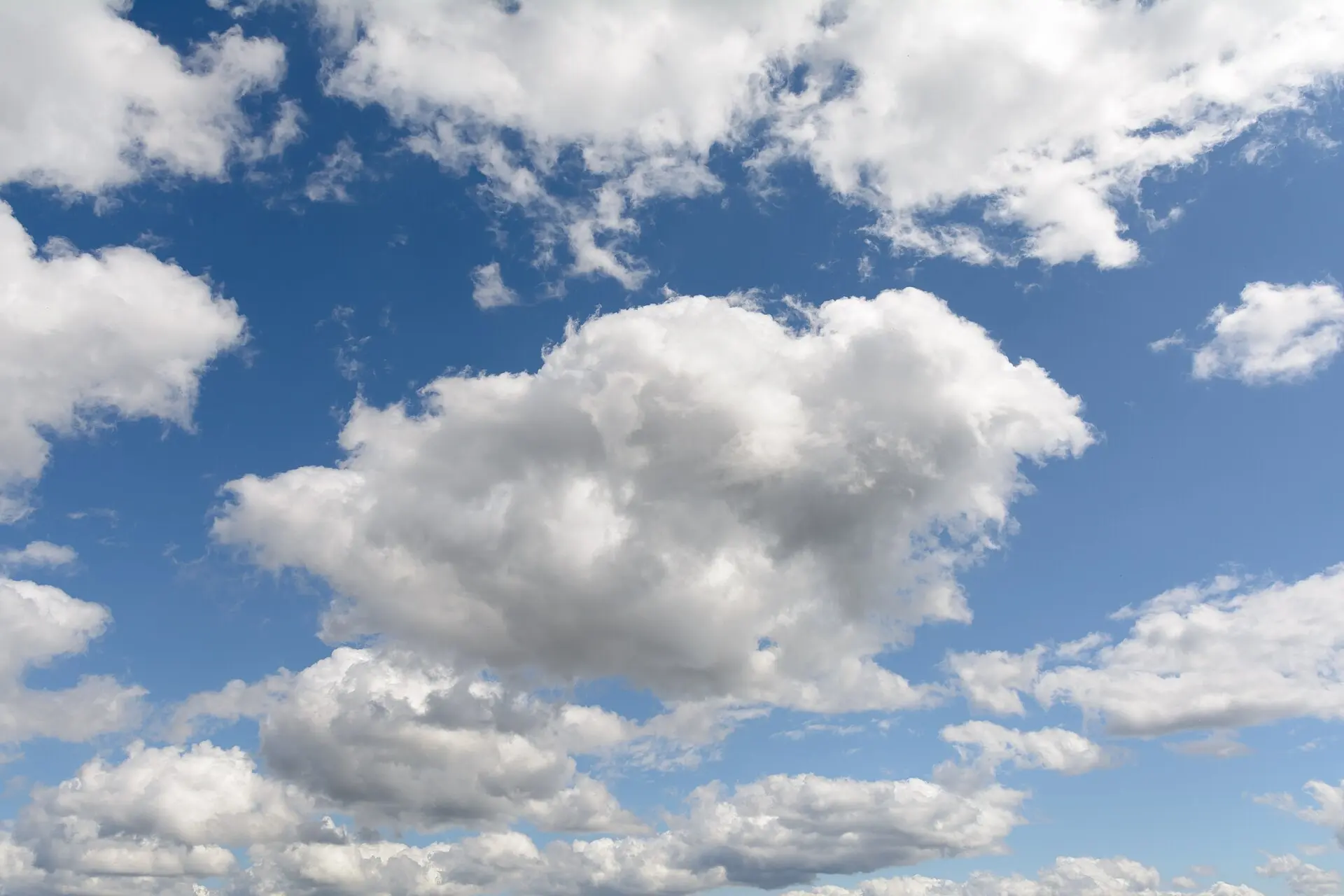
The World Meteorological Organization sorts every cloud on Earth into ten genera. Learn to tell them apart — how each one looks, how high it sits, and what weather it brings.
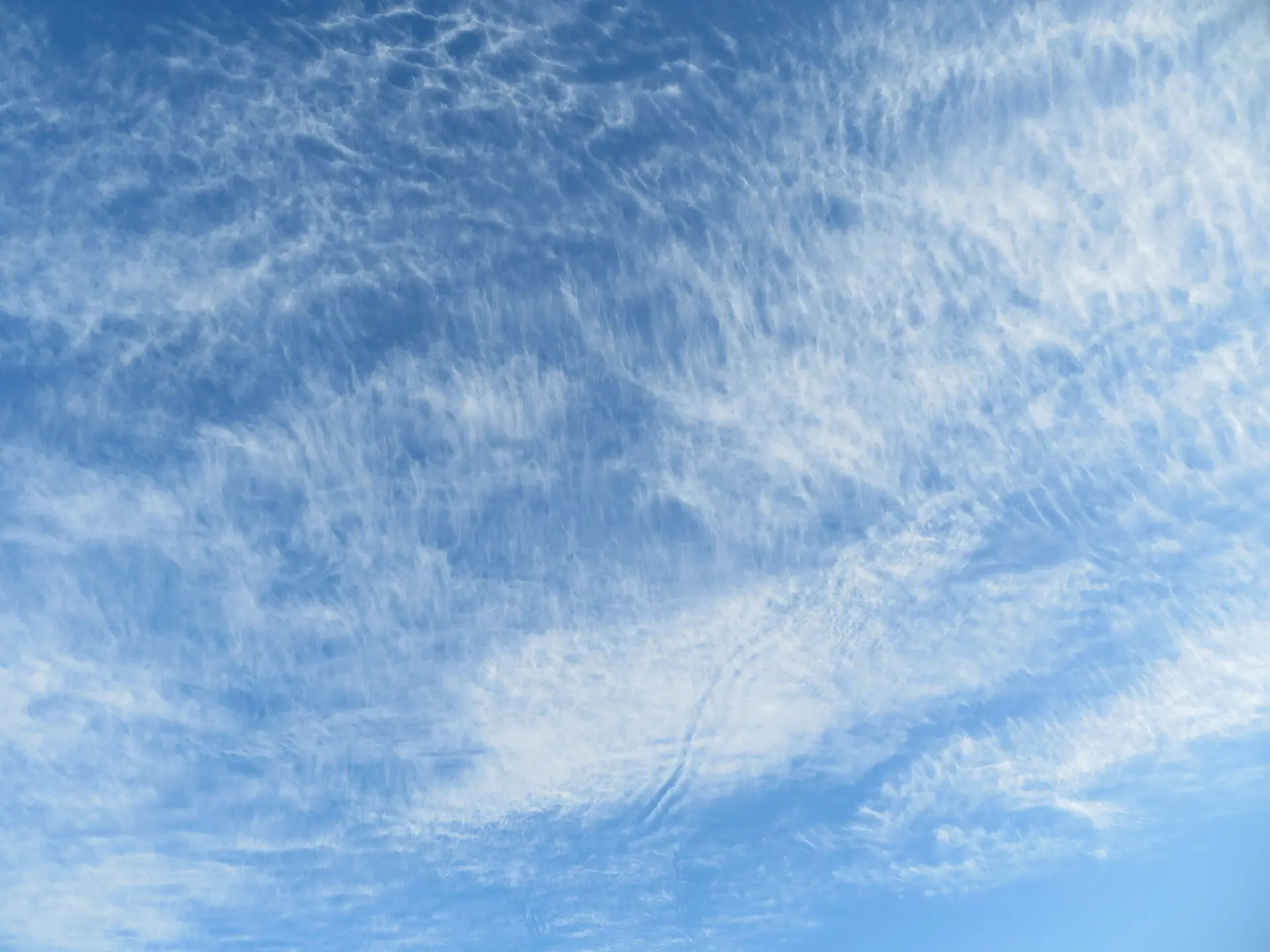
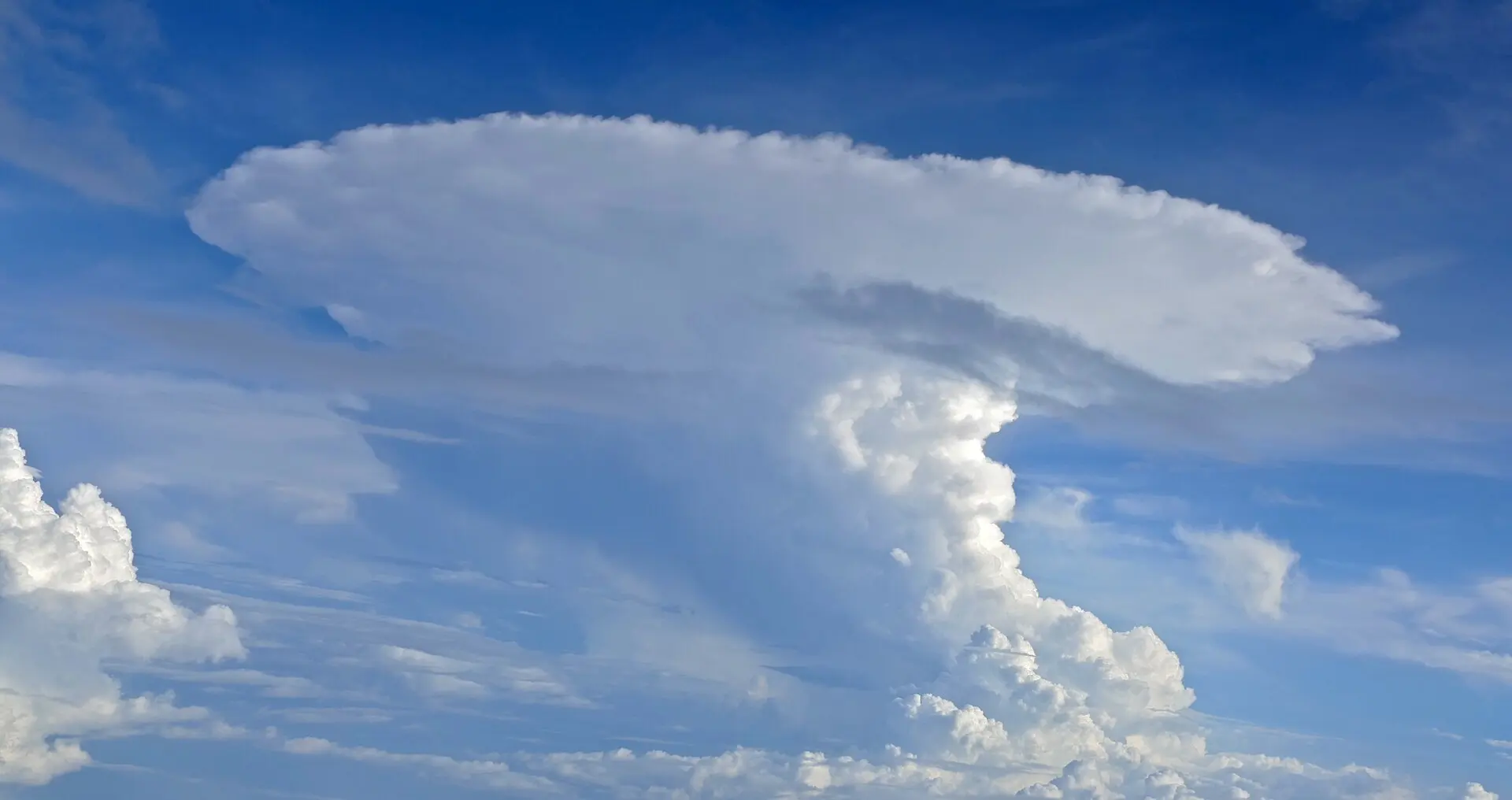
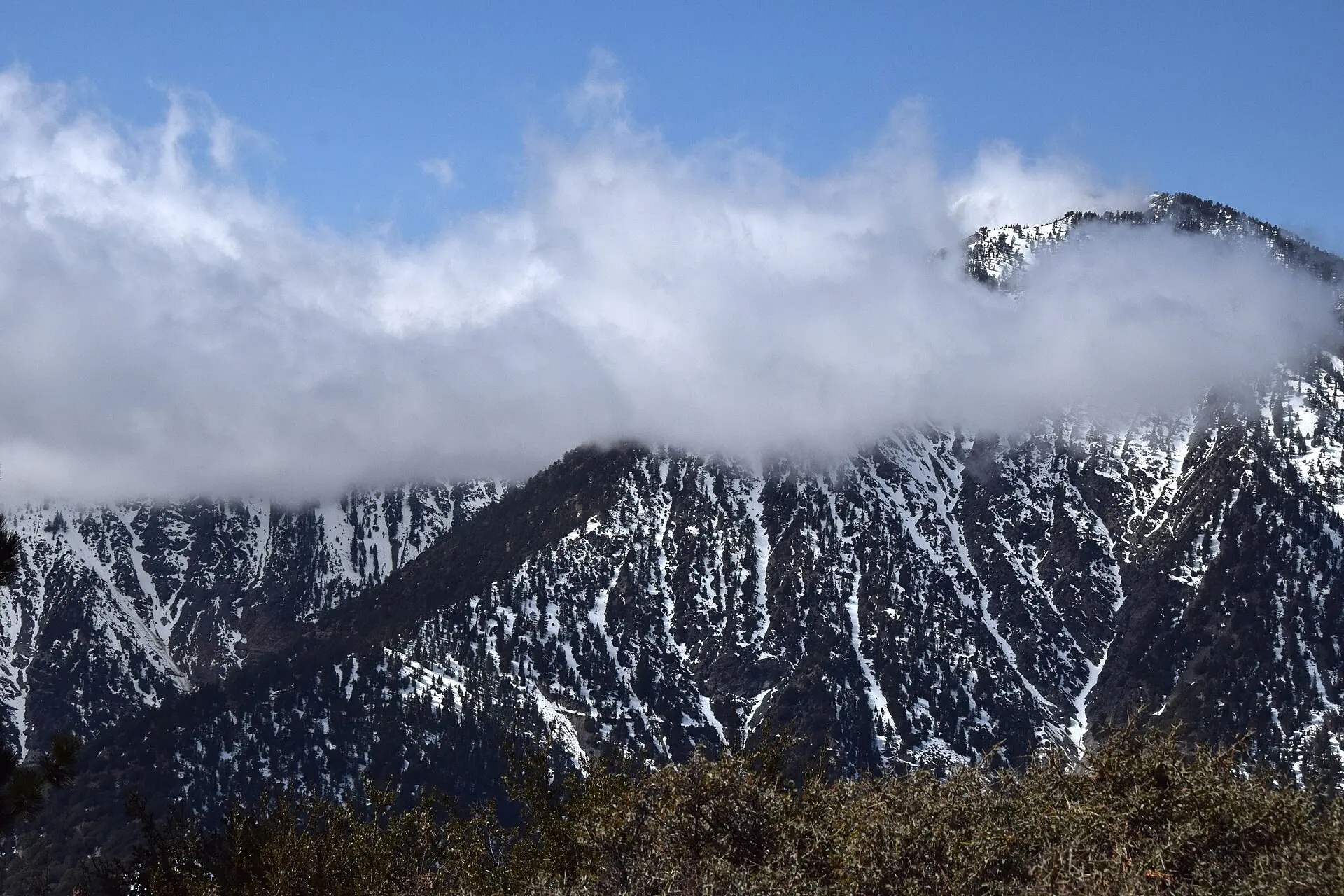
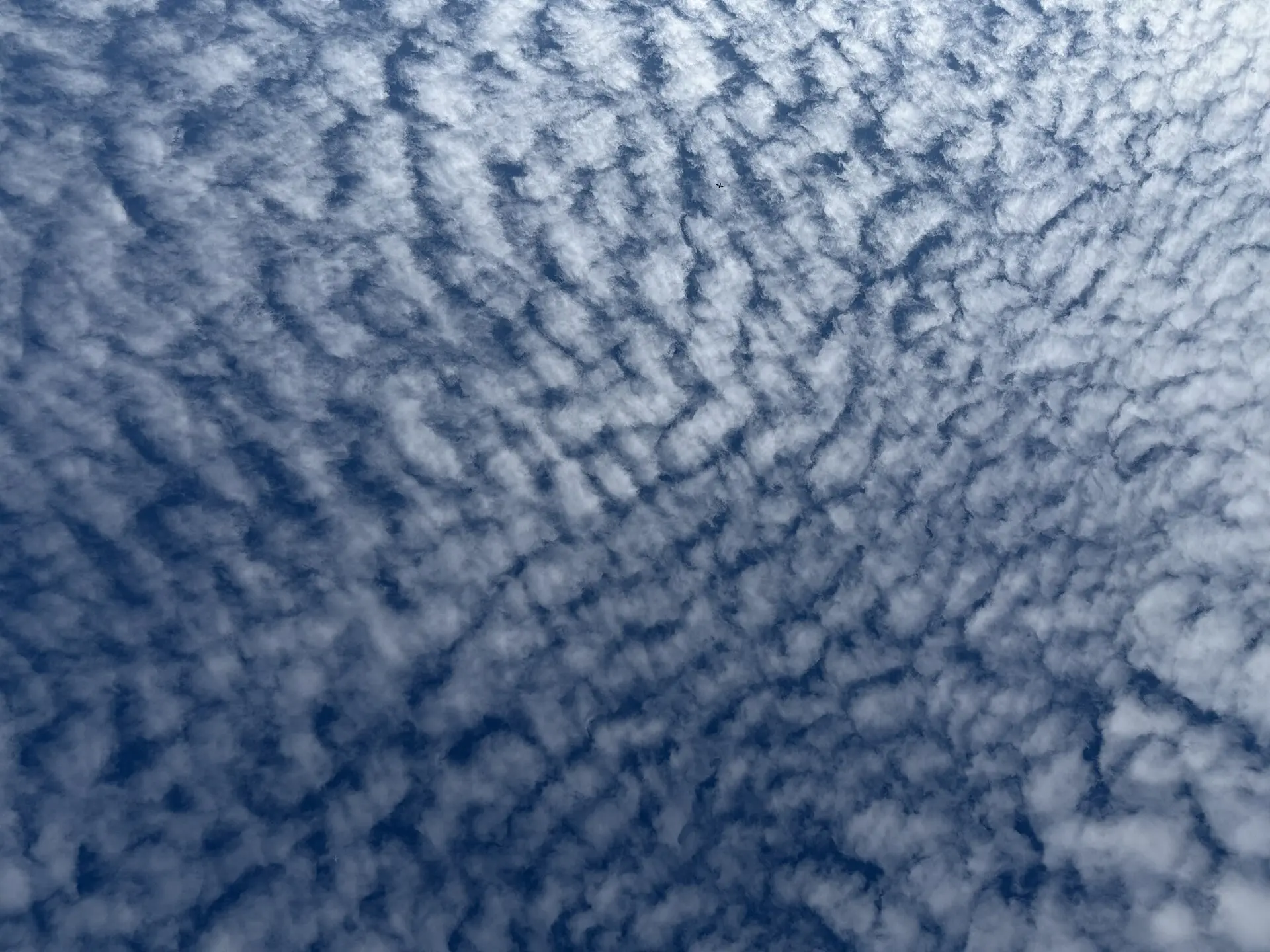
Subscription
Cloud ID is a subscription app. Plans are shown in the app in your local currency.
Weekly
Includes a free trial when you are eligible. Cancel any time.
Annual
The lowest cost per week for regular sky-watchers.
Subscriptions renew automatically until cancelled. Manage or cancel any time in your Apple account settings.
About your photos
- Photos are compressed before being sent to our server for AI analysis.
- Only the analysis result and a small thumbnail are stored. Original high-resolution images are never kept in the cloud.
- No sign-up, no email address, no password. The app creates an anonymous account on first launch.
Frequently asked questions
How accurate is the identification?
It is an AI estimate, not a guaranteed classification. That is exactly why the app shows three ranked candidates with confidence scores and explains its reasoning — so you can judge the result rather than take it on faith. For any decision that matters, consult a meteorologist.
Does it work offline?
No. The analysis runs on our server, so an internet connection is required for each identification.
Which devices are supported?
iPhone running iOS 17 or later. There is no iPad or Android version.
Do I need to create an account?
No. The app signs you in anonymously on first launch. There is no email address or password to remember.
What languages does the app support?
English, German and French. Results are generated natively in your language, using the everyday cloud names of that language alongside the Latin scientific name.
Can I identify clouds from photos I already took?
Yes. You can pick any image from your photo library instead of using the camera.